
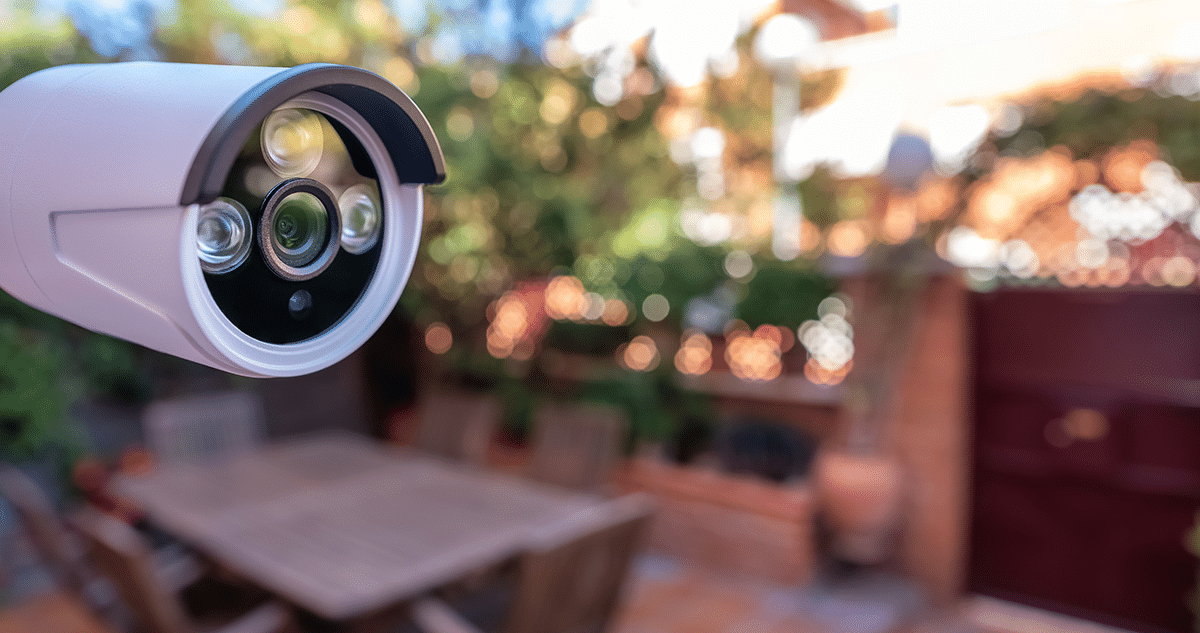
When homeowners ask us about outdoor security cameras, we start with a practical question: What question does the camera answer? It may be who is at the door, whether a delivery arrived, or whether activity around a driveway, garage, or detached structure needs attention. A good camera plan is not about putting a lens on every corner of a house. It is about giving you dependable, understandable information while respecting the privacy of family members, guests, and neighbors.
For Roach, Missouri homeowners, our planning starts before purchasing any cameras. Property layout, power, Internet coverage, nighttime conditions, and the video review method all matter. A clear view of an entry point is more valuable than several cameras with poor angles, glare, or unreliable connections.
- Start with the decision each camera needs to support
- Place cameras around useful activity, not just open space
- Lighting determines whether nighttime video is useful
- Plan power, connectivity, and recording before the camera is installed
- Protect privacy from the first conversation
- Treat camera cybersecurity as part of home security
- Know when professional installation adds value
- A practical outdoor-camera checklist for Roach homeowners
- FAQs
Start with the decision each camera needs to support
Before we recommend camera models, we ask homeowners to identify the situations they want the system to clarify. You may want to check a front entry, confirm a delivery, see activity around a driveway, review garage access, or check on a property while you are away. Each purpose calls for a different view, alert preference, and review routine.
This first step prevents a common mistake: buying equipment before defining the outcome. A front-door camera needs a useful view of the approach and entry. A camera for a detached building needs an appropriate power and connection plan. The goal is not exhaustive coverage; it is a small number of views that help a homeowner make decisions.
Ask these questions during a walk around the property:
- Which exterior areas do you most often want to check?
- Do you need an alert immediately, a recorded view to review later, or both?
- What changes after dark, during rain, or when vehicles use exterior lights?
- Who should be able to view, download, or manage recordings?
- What will happen if the Internet connection or household power is interrupted?
Your answers help us shape the right combination of outdoor security cameras, a video doorbell, lighting, and, where appropriate, home security monitoring. We look at cameras as part of a broader home protection approach that may also include secure entry management, monitored alarms, and environmental alerts. The goal is a system that fits how your household lives, not a collection of disconnected devices.
Place cameras around useful activity, not just open space
We place a camera where its view can answer a useful question. In many homes, that includes the main entry, a secondary entrance used by family members, a driveway or parking area, a garage entrance, and any detached structure or exterior area that requires routine attention. The exact plan depends on the property and should be established during a site assessment.
Prioritize entrances and regular approach paths
Doors are natural starting points because residents, visitors, deliveries, and service professionals normally use them. A front-entry camera or video doorbell can help a homeowner see who is there and decide whether to respond. A secondary entry used for family arrivals, pets, or deliveries may deserve attention.
The best camera view is not always the widest. A broad view may show motion but lack useful detail. During planning, consider the field of view in daylight and at night. Trees, porch posts, parked vehicles, seasonal decorations, and roof overhangs can all affect the view.
Consider driveway, garage, and detached-building needs separately
Driveways and garages have different questions than front doors. A homeowner may want to know when a vehicle arrives, whether a garage entry is closed, or whether an outdoor area is clear before returning home. Detached workshops, storage buildings, and similar structures may require their own planning because power, Wi-Fi coverage, and lighting can differ from the main residence.
We do not assume that one camera can serve every purpose. A driveway view may not be the best view for a side entrance, and a camera near a garage may not be appropriate for a private outdoor living area. During a professional home security camera installation assessment, we evaluate the view, the route for power or cabling, connection quality, weather exposure, and the homeowner’s desired outcome.
Review placement after installation
Homeowners should know what each camera is meant to cover. Review daytime and nighttime recordings after installation. Check whether foliage, glare, spiderwebs, weather, or routine changes are reducing image quality. Adjusting a view early is better than discovering a problem after an incident.
Lighting determines whether nighttime video is useful
Lighting is central to every outdoor camera plan we create. Bright points of light, deep shadows, reflective surfaces, and headlights can all reduce the usefulness of nighttime video. We review lighting at the same time as camera placement.
Observe the property after dark. Note where exterior lights illuminate an entry and where a camera would face into a bright source. A poorly positioned porch light, landscape fixture, or vehicle headlight can create glare and reduce detail.
The objective is balanced lighting. Entrances and walking paths should be safely visible, while cameras should not face directly into bright fixtures when another angle is available. Aim motion-activated lights to avoid unnecessary activation or light spilling onto a neighbor’s property. Consider rain, snow, humidity, insects, and foliage as well.
Before installation, we explain how a recommended camera handles low-light conditions and where its limits remain. Do not rely on a marketing phrase such as “night vision” without understanding the view it will produce at your property. A site assessment should account for exterior, porch, driveway, and garage lights, as well as the way surrounding surfaces reflect light.
Plan power, connectivity, and recording before the camera is installed
Before we recommend any connected camera, we confirm that the home has an appropriate power source, stable connection, and clear recording plan. These practical details are often more important than a long feature list.
Some cameras are hardwired, some use power adapters, and some rely on batteries. Each option involves trade-offs in installation, maintenance, flexibility, and resilience. The right choice depends on construction, location, and the homeowner’s tolerance for battery maintenance.
A Wi-Fi camera also needs a dependable connection where it will be installed. Exterior walls, distance, construction materials, and other devices can affect performance. Identify weak areas before installation rather than assuming indoor phone coverage is enough outdoors.
We also help homeowners decide how video will be used. You should understand where recordings are stored, how long they are available, who can retrieve them, and whether an alert results in a live view, a recorded clip, or both. Ask what happens during an Internet or power interruption. These questions determine whether a camera system supports your actual needs.
Protect privacy from the first conversation
A responsible camera plan respects people as well as property. We recommend focusing outdoor security cameras on your property and the specific areas the system is intended to protect. They should not be positioned to look into a neighbor’s private spaces or capture more than is reasonably necessary.
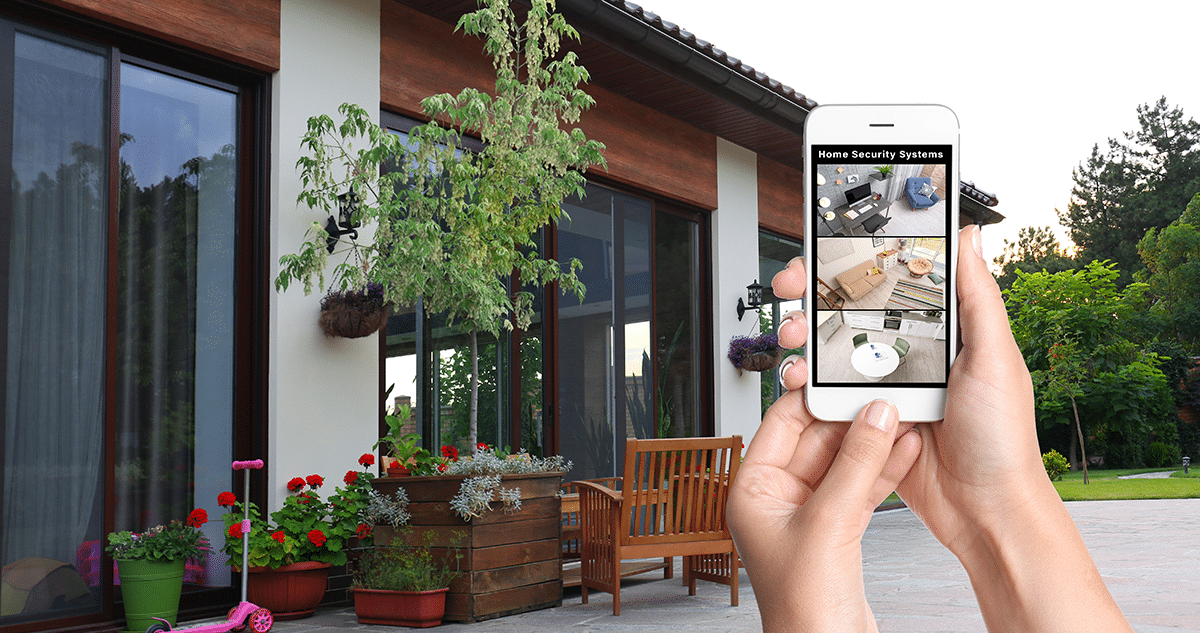
We also discuss privacy at home. Family members should understand where cameras are located, which spaces are covered, and who has account access. Avoid placing cameras in areas where people reasonably expect privacy. If you are considering an audio feature, seek legal advice about applicable requirements before enabling it; rules may vary by location and circumstance, and this article is not legal advice.
Access controls matter just as much as physical camera location. We recommend deciding who will administer the account, who may view video, and how access will be removed when someone no longer needs it. Use individual accounts when available instead of sharing one password.
The Federal Trade Commission recommends looking for encryption of account information, livestreams, and stored video; securing the home router; keeping camera and app software current; using strong, unique passwords; and enabling two-factor authentication when available. The FTC also advises homeowners to consider permission levels before sharing a livestream with another person. These are practical steps for any smart home security system, including one with outdoor cameras.
Treat camera cybersecurity as part of home security
A camera system is only as private as the account and network that support it. Once a camera is connected to the Internet, we recommend managing it as an Internet-connected device rather than as a passive appliance.
Use a long, unique password for the camera account and never reuse an email, banking, or social-media password. Turn on two-factor authentication where available. Keep the camera app, camera software, and router updated. Remove old devices and unused users, and review permissions after a move or household change.
The home network also needs attention. Use a strong router password, current router software, and encrypted Wi-Fi. Some homeowners may choose a separate network for cameras. Treat remote camera access as something that needs ongoing care.
Do not use a camera system to make promises it cannot keep. Cameras can help a homeowner observe, document, and respond to activity. They do not replace safe habits, locks, lighting, smoke and carbon monoxide alarms, or a plan for responding to an emergency.
Know when professional installation adds value
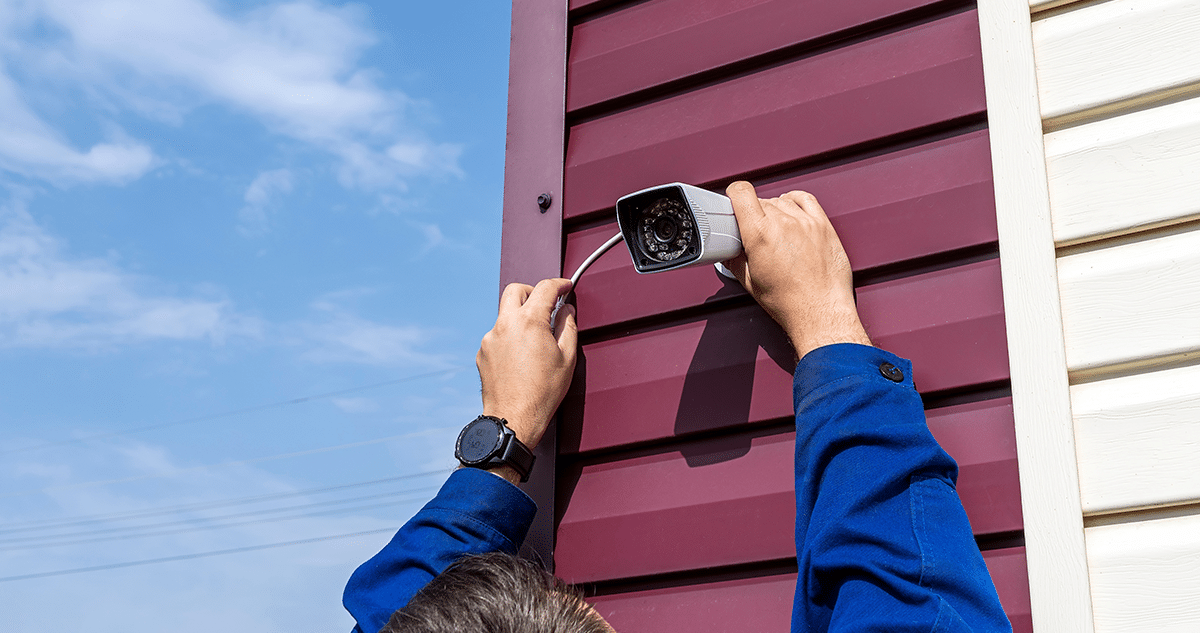
Do-it-yourself cameras can suit simple uses. From our experience, professional installation adds the most value when a homeowner wants multiple views, a hardwired solution, integrated security equipment, or help with detached structures, weak wireless areas, challenging lighting, or cable routes.
A professional assessment should consider camera views, power, network performance, lighting, weather exposure, privacy, recording needs, and training. We encourage homeowners to ask who will install and service the equipment and what training is included.
At ABF Security, our technicians focus on a system that homeowners can use with confidence after installation. We explain daily operation, review the camera plan, and remain available for any questions.
A practical outdoor-camera checklist for Roach homeowners
Before buying or scheduling installation, we recommend walking the property in daylight and after dark. Write down the exterior areas you want to see, the question each camera should answer, and the people who need account access. Check lighting and Internet coverage where a camera may be installed. Decide how video will be stored and reviewed. Then ask the provider to explain the proposed placement, power method, connection, recording plan, service process, and ongoing costs in writing.
A well-planned system makes a home easier to check, not harder to manage. The right outdoor security cameras can support day-to-day awareness when they are placed for a clear purpose, supported by sensible lighting, and secured with responsible privacy and account practices.
Request a home security camera assessment
The right camera system starts with a conversation about your home, the areas you want to protect, and how you want to use the system every day. Contact ABF Security today to discuss outdoor security cameras, camera placement, lighting, and a home security plan designed around your needs.
FAQ
1. How many outdoor security cameras does a home need?
We do not use a universal camera count. We start with the exterior areas where you need reliable information, such as a main entry, a frequently used secondary entry, a driveway, a garage, or a detached structure. The best plan matches the number of cameras to clear questions, not every open area.
2. Where should outdoor security cameras be placed?
We place cameras where they provide a useful view of your property and the activity that matters to your household. Entrances, approach paths, driveways, and garages are common starting points. Our assessment also considers lighting, weather exposure, power, connection quality, and the privacy of neighbors and guests.
3. Do outdoor security cameras work at night?
They can, but nighttime performance depends on the camera, available light, placement angle, and reflective surfaces around the property. We review the area after dark and explain how lighting, headlights, porch fixtures, and the proposed camera position affect the expected view.
4. Will a camera work if the Internet goes out?
That depends on the equipment and recording setup. Remote viewing and cloud-based functions may be affected by an Internet outage. Before purchase, we explain how the system records, what functions continue locally, what happens when connectivity returns, and how a power interruption affects the setup.
5. Are wireless outdoor security cameras reliable?
Wireless cameras can be reliable when they have an appropriate power arrangement and a stable connection at the installation point. Exterior distance, walls, construction materials, and network demand can affect performance. We assess the signal where the camera will be used instead of assuming indoor coverage will be sufficient.
6. Do I need a professional home security camera installation?
Not every camera project requires a professional. From our perspective, installation becomes more valuable when you need multiple views, hardwired equipment, integrated security devices, help with lighting or network coverage, or a cleaner and more durable setup. Our assessment can clarify whether the added service is worthwhile for your home.
7. Can outdoor cameras record my neighbor’s property?
Our camera plans focus on your property and the areas you reasonably need to observe. Avoid aiming cameras into a neighbor’s private space. If you are considering audio recording, seek qualified legal guidance on the rules that apply to your situation before enabling it.
8. How can I keep my home security camera account secure?
We recommend a strong, unique password, two-factor authentication where available, current camera and app software, a secure home router, and prompt removal of access for people who no longer need it. The FTC also recommends reviewing sharing permissions and looking for security features such as encryption.
9. Should I pair outdoor cameras with a video doorbell or smart door lock?
They can serve different but complementary purposes. A video doorbell may help with front-entry activity, while a smart door lock may help manage authorized access. We recommend the combination that fits your household’s routines, property layout, and the functions you want to manage from one system.
10. What should I ask before getting a camera quote?
Ask what each camera is intended to show, how it will be powered, how it connects, how video is stored, how long recordings remain available, what happens during Internet or power interruptions, and what ongoing costs apply. We should also explain who will install and service the equipment, which features are included, and how your household will be trained to use the system.