A commercial security system should do more than record a break-in after the fact. It should help you control access, spot a problem quickly, protect your employees and visitors, and keep your operation moving when something unexpected happens. For an O’Fallon business owner, the right plan depends on the building, the people using it, the assets inside it, and the hours when the property is most exposed.
O’Fallon has more than 1,850 businesses across a broad range of activities, including retail operations, professional offices, medical services, manufacturers, financial services, and distribution facilities. A storefront with cash drawers and public entrances has different concerns than a clinic with staff-only rooms; a warehouse with delivery traffic has different vulnerabilities than an office where employees use shared keys.
That is why a commercial security system should start with a property review, not a generic equipment package. The goal is to identify where people enter, what needs protection, which events require a fast response, and how your team will use the system every day.
Use this checklist to prepare for a commercial security assessment and to understand the questions that matter before choosing cameras, alarms, access control, or fire protection.
- Start with the risks that are specific to your building
- Control entrances before you try to monitor everything
- Place commercial security cameras where decisions are madee
- Use monitored alarms to protect the hours when no one is there
- Treat fire and life safety as part of the commercial security conversation
- Connect the systems that need to tell the same story
- Do not overlook the exterior of the property
- Build procedures that make the equipment useful
- Know what to bring to a commercial security assessment
- FAQs
Start with the risks that are specific to your building
Before we recommend camera models, we ask homeowners to identify the situations they want the system to clarify. You may want to check a front entry, confirm a delivery, see activity around a driveway, review garage access, or check on a property while you are away. Each purpose calls for a different view, alert preference, and review routine.
This first step prevents a common mistake: buying equipment before defining the outcome. A front-door camera needs a useful view of the approach and entry. A camera for a detached building needs an appropriate power and connection plan. The goal is not exhaustive coverage; it is a small number of views that help a homeowner make decisions.
Ask these questions during a walk around the property:
- Which exterior areas do you most often want to check?
- Do you need an alert immediately, a recorded view to review later, or both?
- What changes after dark, during rain, or when vehicles use exterior lights?
- Who should be able to view, download, or manage recordings?
- What will happen if the Internet connection or household power is interrupted?
Your answers help us shape the right combination of outdoor security cameras, a video doorbell, lighting, and, where appropriate, home security monitoring. We look at cameras as part of a broader home protection approach that may also include secure entry management, monitored alarms, and environmental alerts. The goal is a system that fits how your household lives, not a collection of disconnected devices.
Control entrances before you try to monitor everything
Every commercial property has doors that deserve different rules. A front entrance may need to welcome customers during business hours. A staff entrance may need to remain locked while allowing scheduled employee access. A stockroom, records room, pharmacy area, or IT room may require a smaller list of authorized people.
Access control replaces the uncertainty of traditional keys with managed credentials such as cards, fobs, PINs, or mobile access. Instead of rekeying a door when an employee leaves, an authorized administrator can remove or change that person’s credential. You can even apply schedules for staff members who work different shifts or when a property is open only during certain hours.
For an O’Fallon office or professional practice, access control can separate staff-only and sensitive rooms from public areas, pair visitor screening with a reception intercom, and help employees move through the building without relying on shared keys. ABF Security can design a system around those needs, whether the priority is a reception area, a stockroom, an IT room, or another restricted space.
Use this checklist for each door you want to manage:
- Decide whether the door should be public, staff-only, restricted, or emergency-only.
- Identify the people or roles that should have access.
- Set the hours when the door should unlock automatically or require a credential.
- Determine whether a nearby camera should record and tag access events.
- Establish a process for adding, changing, and removing credentials.
Access control becomes more valuable when it is part of an integrated commercial security system. When a door is forced open, a nearby camera can provide context. When an authorized credential is used after hours, the event can be logged and reviewed. That connection gives an owner more useful information than a key ring ever can.

Place commercial security cameras where decisions are made
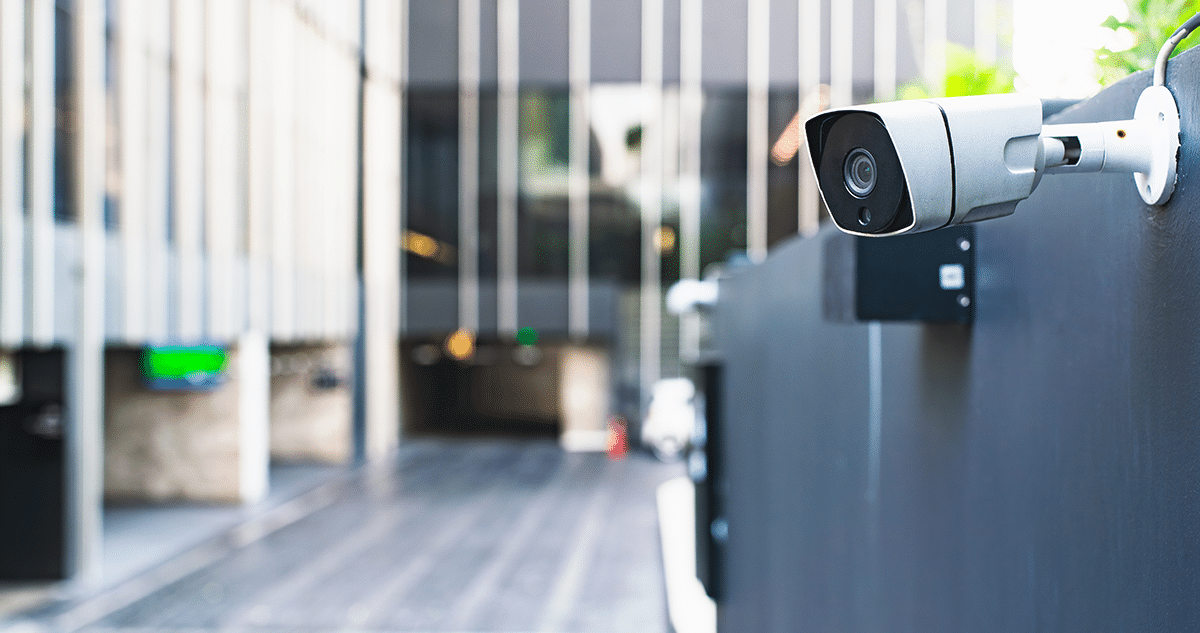
The best commercial security cameras are not simply the highest-resolution cameras available; they are the cameras that capture useful evidence when and where it matters. Before selecting equipment, decide what each camera must help you see.
At a customer entrance, the objective may be to document arrivals, deliveries, and incidents at the door. In a retail environment, you may wish to see checkout areas, stockrooms, and customer traffic. In a parking area, low-light performance and coverage of vehicle entrances may be important. At a loading dock, the goal may be to document deliveries, trailer activity, and movement between the dock and the building.
A camera plan should also consider the review process. Footage is only valuable if the right person can find it when needed. Establish who can view live video, who can retrieve recordings, how long recordings should be kept, and how the business will respond to an alert. A professional assessment can also identify common blind spots caused by doors, shelving, lighting changes, high ceilings, or an expanding layout.
When cameras work with alarm and access-control systems, it is easier to answer practical questions after an event: Where did it happen? Who entered? What was delivered? Was a door secured? What was visible at the time? ABF Security can design coverage for entryways, hallways, delivery areas, checkout zones, and other places where video may help document theft or a slip-and-fall claim.
Avoid treating camera placement as a one-time task. Changes in landscaping, parking patterns, store layouts, lighting, inventory, and staffing can all create new coverage gaps. Review your camera plan whenever the building changes or after any incident reveals that the available footage was not useful.
Use monitored alarms to protect the hours when no one is there
A commercial alarm system is designed to recognize an intrusion or other event and send a signal for action. Door contacts, motion detectors, glass-break sensors, panic devices, and environmental devices can all contribute to a plan, depending on the property. The purpose is not to install as many sensors as possible; it's to ensure a meaningful event is detected and handled according to an agreed response plan.
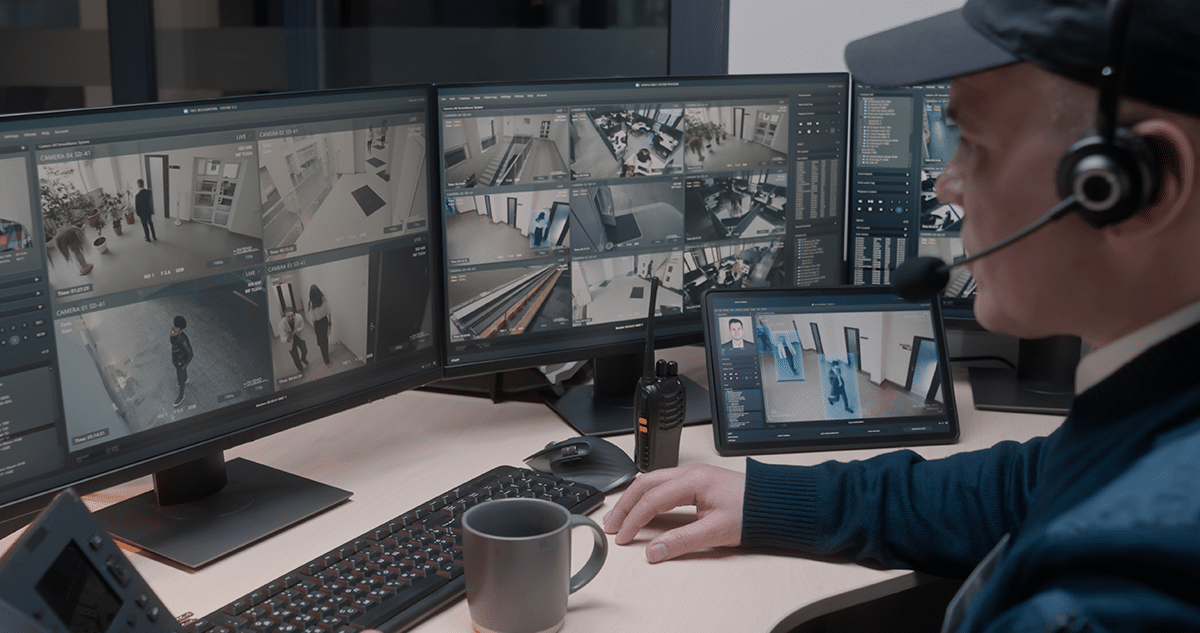
For many businesses, the highest-risk period begins after the last employee leaves. A monitored business security system can help protect the property overnight, on weekends, during holidays, or when a manager is away. The response plan should be clear before an alarm occurs. Keep current call lists, decide who can verify events, establish who has authority to access the building, and confirm how false alarms will be handled.
If you choose professional monitoring, understand the people and process behind it. At ABF Security, commercial security and fire alarm signals are monitored through a CSAA Five Diamond central station with a fully certified UL monitoring center in St. Louis. Before choosing a provider, ask about its monitoring process, available signal paths, account contacts, testing procedures, and the responsibilities that remain with the business owner.
A well-designed alarm system can also work with cameras and access control. For example, an alarm at a rear door can prompt a manager to review the nearest camera. Valid credentials used at a scheduled time can support normal operations, while an unexpected opening can be flagged for review. Integration does not replace good procedures, but it helps a business make faster, better-informed decisions.
Treat fire and life safety as part of the commercial security conversation
Commercial security is not only about theft and unauthorized entry. A complete plan must address the safety of people inside the facility and the continuity of your business. Fire alarm systems, notification appliances, emergency communication, and inspection requirements should be evaluated according to the building’s occupancy, layout, use, and the direction of the authority having jurisdiction. ABF Security can handle that for you when designing, installing, monitoring, and inspecting your commercial fire alarm system.
When preparing for a fire-alarm consultation, gather the information that will shape the design. This includes the building’s use, square footage, floor plan, renovation history, existing devices, occupancy patterns, special hazards, previous inspection information, and any change in tenant or use. If your business is moving, remodeling, adding rooms, changing operations, or opening a new location, address life safety early in the project rather than after construction decisions have limited the options.
Life safety planning can also include mass notification. When a facility needs to alert people about a weather emergency, an intruder scenario, or another urgent threat, ABF Security can design a system that fits the property and its emergency procedures. The value of this capability depends on the property type and size, and the number of people on site.
Connect the systems that need to tell the same story
Security technology becomes harder to manage when every component operates in isolation. A manager may receive an alarm notification, then need to open a separate video system, search another program for door activity, and call multiple vendors to understand what happened. That delay can make a stressful event harder to manage.
An integrated approach connects the parts of the system that should work together. An access event can be associated with nearby video. An alarm event can direct attention to the most relevant camera view. A manager can use activity records to understand whether a door was opened normally, propped open, forced, or accessed outside the expected schedule.
Integration does not mean every business needs every product. A small office may start with a few managed doors, a monitored alarm, and cameras at key entrances. A larger facility may need layers of access, perimeter coverage, multiple zones, and centralized management. The right design creates a practical workflow for the people responsible for the business.
Do not overlook the exterior of the property
A security review should begin before a person reaches the front door. Parking lots, walkways, fences, gates, dumpsters, landscaping, loading areas, and exterior lighting can affect both safety and visibility. Poor lighting can limit camera usefulness. Overgrown landscaping can create concealment. A rear delivery door can become a weak point if it is not included in the access, alarm, and camera plan.
Walk the exterior at night when possible. Verify that the property is visible from the street and that cameras have the light and angle needed to capture useful footage. Consider how employees arrive and leave, especially if they work early or late shifts. For warehouses and service businesses, review driver access, loading procedures, visitor check-in, and the separation between public, employee, and delivery areas.
Build procedures that make the equipment useful
Technology can support a security plan, but staff procedures determine whether the plan works consistently. Employees should know which doors must remain locked, how to report a broken reader or camera, who can issue temporary access, and what to do when an alarm or emergency notification occurs. Managers should know how to update call lists, review access activity, preserve video after an incident, and request service when something changes.
Use short, documented procedures. A closing checklist can confirm that rear doors are secured, the alarm is armed, cash or sensitive materials are protected, and no unauthorized person remains in the building. A new-hire checklist can ensure that employees receive only the access they need. A termination or role-change checklist can confirm that credentials are removed promptly.
Review these procedures at least annually and when the business changes locations, adds a shift, remodels, expands, or experiences an incident. The most effective commercial security systems are supported by people who understand their role in the process.
Know what to bring to a commercial security assessment
An on-site assessment is more productive when you can clearly describe the business. Bring a floor plan if one is available. Be ready to identify existing equipment, recurring problems, operating hours, access needs, staff changes, high-value assets, exterior concerns, recent incidents, and growth plans. If you are leasing space, include the property manager or clarify which doors, infrastructure, and responsibilities belong to the tenant.
The assessment should result in recommendations that connect each design aspect to a defined need. Ask why a camera is recommended at a specific location. Ask how access credentials will be managed. Ask what happens when an alarm occurs. Ask what training, testing, service, and maintenance will be included. Ask how additional doors, cameras, or locations could be added later.
ABF Security can bring together alarm monitoring, surveillance cameras, fire alarms, access control, mass notification, energy management, and commercial new-construction planning. A local assessment helps you decide which capabilities solve a present need and which should be planned for future growth.
Make the next security decision with a clear plan
The most effective commercial security plan for an O’Fallon business is not necessarily the largest system. It is the system that gives you and your team useful control over entry, visibility over critical areas, reliable response to meaningful events, and a documented approach to life safety.
ABF Security has served commercial customers throughout the St. Louis region for decades. If your O’Fallon facility needs a tailored commercial security system, contact ABF Security to schedule an on-site assessment.
FAQ
1. What should an O’Fallon commercial security assessment include?
A commercial security assessment should review the building layout, entrances, restricted areas, operating hours, employee and visitor flow, exterior conditions, high-value assets, existing equipment, and emergency procedures. It should identify where cameras, access control, alarm devices, and life-safety systems could address a defined risk. The outcome should be a practical plan rather than a generic equipment list.
2. How many commercial security cameras does my business need?
The number of cameras depends on what must be seen and documented. Start with entrances, exits, cash or transaction areas, stockrooms, hallways, parking areas, loading zones, and any restricted rooms. A professional site review can determine whether sightlines, lighting, ceilings, shelves, or exterior conditions create blind spots that require a different placement or camera type.
3. When is access control better than traditional keys?
Access control is especially useful when multiple employees need different levels of entry, when access should follow schedules, or when keys are frequently lost, copied, or not returned. It allows an authorized administrator to change access without rekeying the door and can create a record of credential activity. It is often valuable for offices, clinics, stockrooms, IT rooms, and multi-tenant facilities.
4. What happens after a commercial alarm activates?
The answer depends on the system configuration and monitoring plan. A signal may notify designated contacts and, when professional monitoring is used, follow the response procedures agreed for the account. Before activating a system, establish current contacts, password procedures, authorized responders, and clear instructions for employees who receive an alarm notification.
5. Can cameras, access control, and alarm monitoring work together?
Yes. Integration can connect a door event, alarm signal, and relevant camera footage so the business has more context when something happens. For example, a manager may be able to review nearby video after an unexpected door opening. The specific capabilities depend on the selected equipment, configuration, and the operational needs of the facility.
6. What affects the cost of a commercial security system?
Cost is shaped by the size and condition of the property, the number of doors and cameras, cabling needs, lighting conditions, desired video retention, monitoring, integration, installation complexity, training, and ongoing service. A small office with a few protected entrances requires a different scope from a warehouse with multiple docks, exterior coverage, and several employee access zones.
7. Do commercial businesses need professional alarm monitoring?
Professional monitoring can be valuable when a property is unoccupied after hours or when owners and managers cannot always respond to an alert. It provides a defined process for handling alarm signals. Whether it is appropriate depends on the risk profile, hours, insurance considerations, staffing, and the business’s preferred response plan.
8. How often should a business review its security system?
Review the system at least once a year and whenever the business changes. Common triggers include a move, renovation, new tenant, expansion, staffing change, added shift, repeated false alarm, security incident, camera blind spot, or new compliance requirement. Routine reviews help ensure that credentials, contact lists, cameras, procedures, and equipment still match the property.
9. Can a commercial security system help with employee and visitor safety?
Yes. Access control can limit entry to staff-only or sensitive areas. Cameras can help provide visibility at entrances, parking areas, and common spaces. Alarms and life-safety equipment can support emergency response. Pair the system with training and procedures, so employees know how to report problems, manage visitors, and respond to an incident.
10. What should I ask a commercial security provider before choosing a system?
Ask how the provider will assess your property, why each device is recommended, how the system will scale, who will install and service it, what training is included, how monitoring works, how long video is retained, and what ongoing costs apply. Also ask how the system will integrate with your existing doors, network, cameras, alarms, or life-safety equipment.