
Running a business means balancing customer service, staffing and the day-to-day details that keep everything moving. Security should support that work—not become another complicated task for the team.
The right commercial security systems in Lake Ozark can bring together useful camera views, intrusion detection, controlled entry and professional alarm monitoring. The combination depends on the property and its routines. A restaurant accepting deliveries before opening has different priorities from a retail shop closing for the evening or an office welcoming visitors throughout the day.
At ABF Security, our commercial security solutions include surveillance cameras, alarms, access control and fire-alarm services. We help businesses evaluate these options around their needs, with complete installations using new equipment.
This guide focuses on the decisions that matter: what the system needs to do, how employees will use it and what belongs in a clear proposal. Those answers make it easier to choose protection that fits the business rather than simply compare equipment lists.
- Start With the Way Your Business Operates
- Choose Cameras, Alarms and Access Control for Their Specific Roles
- Plan Commercial Security Cameras Around Useful Views
- Make Recorded Footage Easy to Find and Appropriately Protected
- Use Access Control to Manage Doors and Staff Changes
- Understand What Business Alarm Monitoring Includes
- Match After-Hours Protection to Real Working Hours
- Include Fire Alarms and Life Safety in the Planning Conversation
- Give Staff a Straightforward Operating Plan
- Let’s Discuss the Right Security Plan for Your Business
- FAQs
- Plan Your Commercial Security with Confidence
Start With the Way Your Business Operates
A useful security conversation begins with a normal working day. Who arrives first? Which entrances do customers use? When do deliveries take place? Who stays after closing? These details reveal where visibility, detection or controlled access would be helpful.
Lake Ozark’s community information highlights dining, shopping and entertainment around the Bagnell Dam Strip. That variety matters when planning business security systems. Customer hours, staff schedules and service visits rarely follow one identical pattern across different businesses.
A restaurant may need to distinguish the customer entrance from a delivery door and account for cleaning after the kitchen closes. A retailer may focus on transaction areas, stockroom access and the final employee departure. An office may need a welcoming reception area while keeping records, equipment or IT spaces restricted.
The floor plan adds another layer. An entrance hidden from the main workspace may need attention even if it is used infrequently. A shared building may have landlord requirements that affect mounting or door hardware. Public and staff-only areas should be identified before equipment is selected.
The goal is a clear set of priorities. Knowing what needs attention—and when—gives the design a practical purpose and helps prevent unnecessary purchases.
Choose Cameras, Alarms and Access Control for Their Specific Roles
Cameras, intrusion alarms and access control solve different problems. Understanding those differences helps determine whether the business needs one technology or a coordinated combination.
Cameras provide visibility and recordings. They can help a manager check an entrance or review activity, provided the view and recording setup are suitable for that purpose.
Intrusion alarms detect configured events. A protected door opening while the system is armed is one example. The selected sensors and arming arrangement determine what is detected.
Access control manages authorized entry. It can limit access to selected spaces and support schedules for appropriate users.
Suppose a retailer receives deliveries through a rear entrance. A camera can show activity at that door, an intrusion sensor can detect an opening when the system is armed, and access control can manage authorized entry. Each component has a distinct job; none automatically replaces the others.
Our business surveillance services include applications such as entryways, hallways, delivery areas and cash-register activity. Cameras can complement alarms and access control when the selected systems support the intended integration.
The important question is not how many technologies appear in the proposal. It is whether each recommended component addresses a real need and whether staff understand how those functions work together.
Plan Commercial Security Cameras Around Useful Views
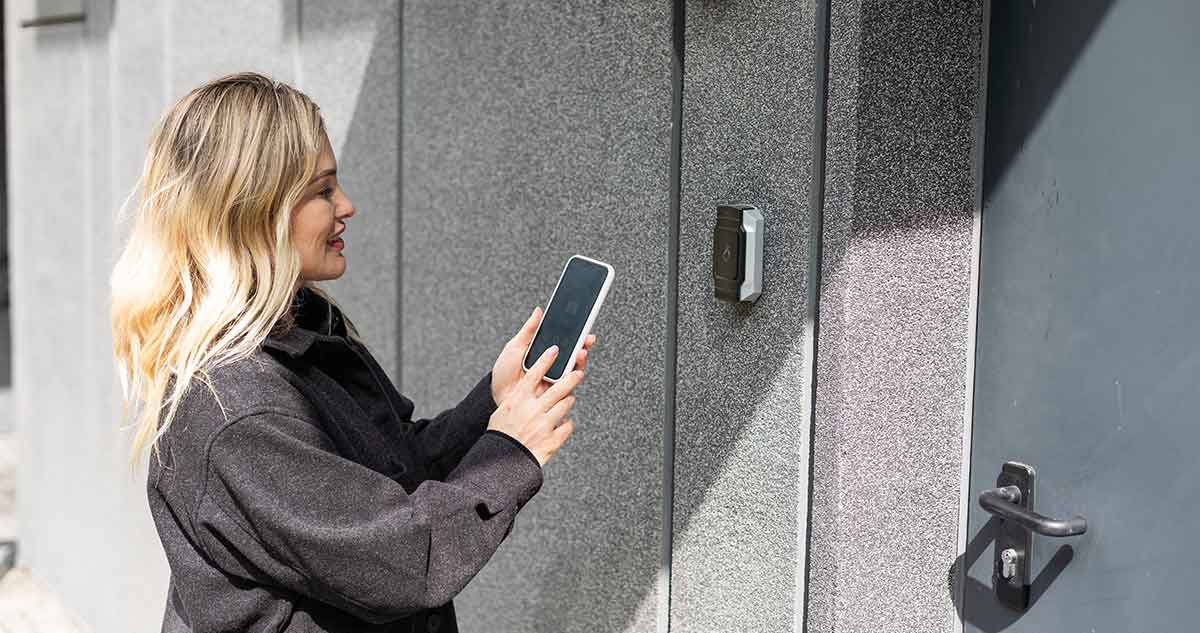
A camera is valuable when it captures the information needed—not simply because it covers a large area. Commercial security camera installation should start with the purpose of each view.
For example, a wide view may help explain how people move through a sales floor. A transaction area may require a more specific view. A delivery entrance may need attention to the doorway and nearby activity without trying to cover every part of the property from one position.
Lighting and obstructions can change the result. Shelving, signs, reflections and open doors may interfere with an otherwise sensible location. A view that performs well during the day may need a different approach after closing. The assessment should consider these conditions before final placement is agreed.
Recording choices also affect usefulness. The business needs to know what is recorded, where footage is stored and how it can be retrieved. Any recording schedules, retention settings and ongoing storage charges belong in the proposal.
A useful test of the recommendation is simple: can the purpose of each camera be explained in one sentence? If the answer is vague, the view may need closer consideration. This approach keeps the discussion focused on practical coverage rather than buying more devices without knowing what they add.
Make Recorded Footage Easy to Find and Appropriately Protected
Recording an event is only part of the process. A manager also needs a manageable way to locate relevant footage and control who can access it.
Consider a delivery discrepancy discovered several days after goods arrive. The manager may need to review the entrance during a particular time window. Whether that is possible depends on the recording configuration, retention period and available user permissions—not just the presence of a camera near the door.
Before choosing the setup, establish how footage will be searched and whether authorized staff can export relevant recordings. These functions should be confirmed for the proposed equipment. Retention should reflect the business’s practical needs and any applicable requirements rather than an assumed standard duration.
Access deserves equal attention. A staff member who needs to check an entrance may not need permission to review every camera or change recording settings. Limiting administrative rights helps keep control with the appropriate people.
Camera placement should also respect private spaces, neighboring properties and applicable privacy requirements. The objective is useful business information, not unrestricted observation. If a recording becomes relevant to an incident, internal handling procedures and appropriate professional advice can help determine how it should be preserved or shared.
Use Access Control to Manage Doors and Staff Changes
Keys and permissions can become difficult to manage as a business changes. Employees join, roles shift and contractors need temporary entry. Access control provides a structured way to manage selected doors without treating every user as having the same needs.
Our commercial access-control services include restricted-area applications, reception intercoms and programmed door or card-access schedules. These options can be useful for spaces such as offices, stockrooms and IT rooms, depending on the proposed design.
Start by identifying the doors that need management. Then decide who needs entry, during which hours and who is authorized to approve changes. A manager-only room and an employee entrance may require different permissions even within the same building.
Staff departures should trigger a review of relevant access. Door credentials, alarm-disarming rights and camera accounts may be separate, so removing one permission does not necessarily remove the others. Assigning responsibility for those changes keeps the process clear.
Door hardware and safe egress must also be reviewed appropriately. Access control should support the building’s fire and life-safety requirements, not create an obstacle to leaving safely. The right configuration depends on the doorway, its use and the applicable requirements for the premises.
Understand What Business Alarm Monitoring Includes
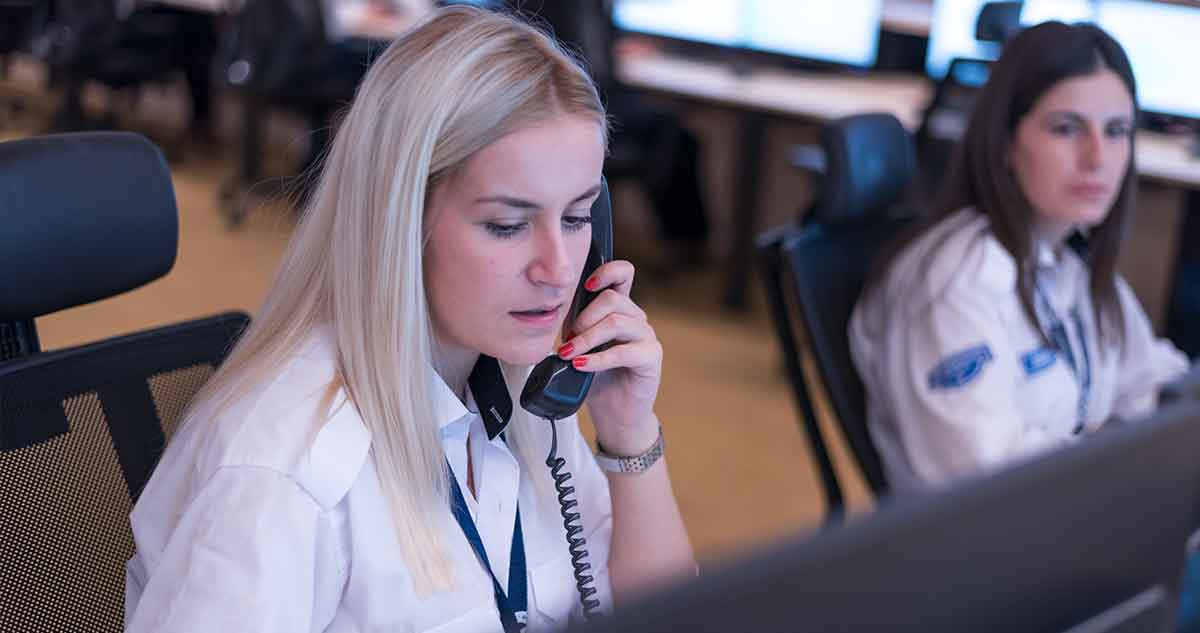
A phone notification alerts an authorized user, while professional business alarm monitoring provides a structured process for receiving and handling configured alarm signals according to the monitoring plan and account instructions. This distinction becomes particularly important when the usual manager is unavailable.
Commercial alarm monitoring may include security and fire-alarm monitoring, depending on the system and service arrangement. The monitoring scope should clearly identify which events are monitored, who receives notifications, and what response procedures apply.
Equipment capabilities and alarm-handling procedures vary by installation and monitoring arrangement.
Camera access and continuous human video monitoring are separate services. Having security cameras and alarm monitoring does not necessarily mean someone is actively watching every camera feed. Video verification and specialized monitoring require separate arrangements.
Contact information and account instructions should be updated as staffing and business operations change. For example, the person responsible for closing during regular business hours may not be the appropriate contact during holidays or extended closures.
Effective alarm monitoring also requires clear procedures for accidental activations, system testing, and emergency notifications. Understanding these procedures helps employees respond appropriately and reduces confusion. Emergency response times cannot be guaranteed, making accurate account information and established alarm-handling procedures especially important.
STEP 1 — DETECTION
Configured sensors register an event
STEP 2 — COMMUNICATION
Powered equipment uses an available signal path
STEP 3 — HANDLING
Follow the monitoring plan and account instructions
Match After-Hours Protection to Real Working Hours
Closing to customers does not always mean the building is empty. Restaurant staff may still be cleaning, a delivery may arrive late or an office may have authorized contractors working after reception closes.
Security schedules should account for those activities. A business can have public areas closed while other spaces remain in use. Managed-door schedules and arming routines should reflect the actual arrangement, including any supported settings needed for particular areas.
A closing procedure works best when responsibilities are specific. The team should know who checks relevant entrances, who verifies system status and how a delayed departure is handled. A named backup helps when the usual closing manager is absent.
Changes in operating hours deserve the same attention. A holiday schedule, reduced staffing period or temporary closure may affect permissions and contacts. Reviewing those details before the change is more useful than discovering an outdated arrangement after an alert.
For Lake Ozark businesses, seasonality is a planning question—not an assumption. Some businesses operate year-round, while others change hours during the year. The plan should follow the business’s schedule and provide a clear process for updating it.
Include Fire Alarms and Life Safety in the Planning Conversation
Fire alarms serve a different purpose from intrusion detection and cameras. Their requirements depend on the premises, occupancy, and applicable rules, so they need a separate professional assessment within the broader planning conversation.
Planning for commercial fire-alarm systems may involve design, installation, monitoring, and inspection. The specific scope should clearly identify which services are needed, what work is included, and who is responsible for ongoing requirements.
Businesses benefit from understanding which devices and signals are included, how monitoring is arranged, and what documentation applies. Cameras are not a replacement for required fire detection, and an intrusion alarm should not be assumed to satisfy fire-alarm obligations.
Building changes can introduce additional questions. A change in how a space is used or alterations to controlled doors may require review by the appropriate professionals and authorities. Permit requirements, inspection obligations, and testing intervals should be confirmed for the actual site.
The value of discussing these matters early is coordination. Security, door access, and fire-alarm planning should not be treated as unrelated purchases when their installation or operation affects the same building. A clear scope helps the owner understand which requirements are being addressed and who is responsible for each part.
Give Staff a Straightforward Operating Plan
A well-chosen system still needs people who understand its everyday controls. Staff training and handover should cover the tasks the business will actually perform, from arming to account administration.
Different roles may need different instruction. A closing employee needs to understand the agreed closing and accidental-activation procedures. An administrator needs to manage authorized changes. A manager reviewing an incident needs to know how to find relevant footage without changing system settings unnecessarily.
The handover should identify who receives notifications, who maintains contacts and where service questions should be directed. It should also explain the provider-approved testing process. Planned checks need coordination so they are not mistaken for emergencies.
These arrangements should be revisited when responsibilities change. A staff departure, new cleaning company or revised working schedule can affect more than door access. Alarm permissions, notifications and administrative accounts may also need attention.
A short, documented routine is often more useful than instructions that employees cannot easily follow. The aim is consistent operation: clear responsibilities, appropriate access and a known process for questions. That helps the system remain useful after installation rather than becoming something only one person knows how to manage.
Let’s Discuss the Right Security Plan for Your Business
A useful commercial security plan makes daily responsibilities clearer. It provides relevant camera information, manages appropriate access and establishes how alarm signals are handled—without making every business fit the same template.
At ABF Security, we bring our commercial alarm, surveillance, access-control and fire-alarm services to that conversation. The starting point is your property, your team and the priorities that matter most.
Contact our team or call 636-349-1090 to discuss commercial service availability at your Lake Ozark address and a new system designed around your business.
FAQs
What is the best security system for a Lake Ozark business?
The best fit follows the property’s layout, operating hours and priorities. Cameras, intrusion alarms, access control and fire-alarm services address different needs. We start with those requirements rather than a universal package. A consultation can establish the appropriate scope and service arrangements for the project address.
How much does a commercial security system cost?
Cost depends on the new equipment, installation work and ongoing services. The number of cameras or managed doors is only part of the picture; coverage, recording and monitoring also matter. A custom proposal should separate initial charges from recurring services and explain what is included.
Are cameras enough to protect a business after closing?
Cameras provide visual information and recordings, but they do not automatically create a monitored intrusion alarm. Sensors detect configured events, and monitoring establishes how those signals are handled. The right combination depends on what the business needs to know and how it expects alerts to be addressed.
How does business alarm monitoring work?
A configured event sends a signal to the monitoring center through the installed communication path. Handling follows the monitoring plan and account instructions. Our commercial services include alarm monitoring; the proposal should explain monitored events, contact arrangements and the procedures relevant to the business.
Do restaurants, retailers and offices need different security plans?
Their routines often create different priorities. Restaurants may need to account for deliveries and late cleaning, retailers for transaction views and stockrooms, and offices for reception and restricted rooms. These are starting points for assessment, not fixed packages that every business in an industry needs.
What should happen to access permissions when an employee leaves?
An authorized administrator should review and remove the relevant permissions. Door credentials, alarm-disarming rights, video accounts and administrative access may be separate. A documented process helps ensure the review covers each relevant system rather than assuming one change removes every form of access.
Can alarms and cameras work during an outage?
That depends on the equipment, available power and communication. Cellular alarm signaling does not itself power devices or provide video connectivity. The proposed configuration should explain what happens to alarm signals, local recording and remote viewing during an interruption, including any backup arrangements.
Plan Your Commercial Security with Confidence
Every business has different security and life safety needs. Whether you're planning a new system or reviewing your existing setup, ABF Security can help you explore the right solutions for your property.
Fill out the form below to discuss your commercial security needs with our team.